
Better security and control.
Most organisations use Microsoft 365 and Azure. Fewer have a full overview of whether the environment is correctly set up, secured and documented. We make the risk concrete and the measures prioritised - in a way both management and IT can use.
Two concrete ways forward
- M365 assessment: a review of identity, access, devices, licences and security settings in Microsoft 365.
- Azure assessment: a review of your Azure set-up, spend, backup and preparedness.
- Both give you prioritised measures and documentation you can take to management or the board.
What we assess
The assessment is based on Microsoft's recommendations and how the environment is actually used in your organisation.
-
01
Identity and access
Who has access to what, and is that access protected well enough?
-
02
Devices
Are computers and mobiles managed, updated and protected?
-
03
Security settings
Are the built-in security features of Microsoft 365 and Azure actually in use?
-
04
Backup and preparedness
What happens if something goes wrong, and how quickly can you be back up and running?
-
05
Documentation and reporting
Can you show management, the board and the auditor how security is followed up?
What you get
The result is something you can act on - not a general security presentation.
-
01
An overview of risk
Where you are most exposed, and why.
-
02
Prioritised measures
What should be done first, and what can wait.
-
03
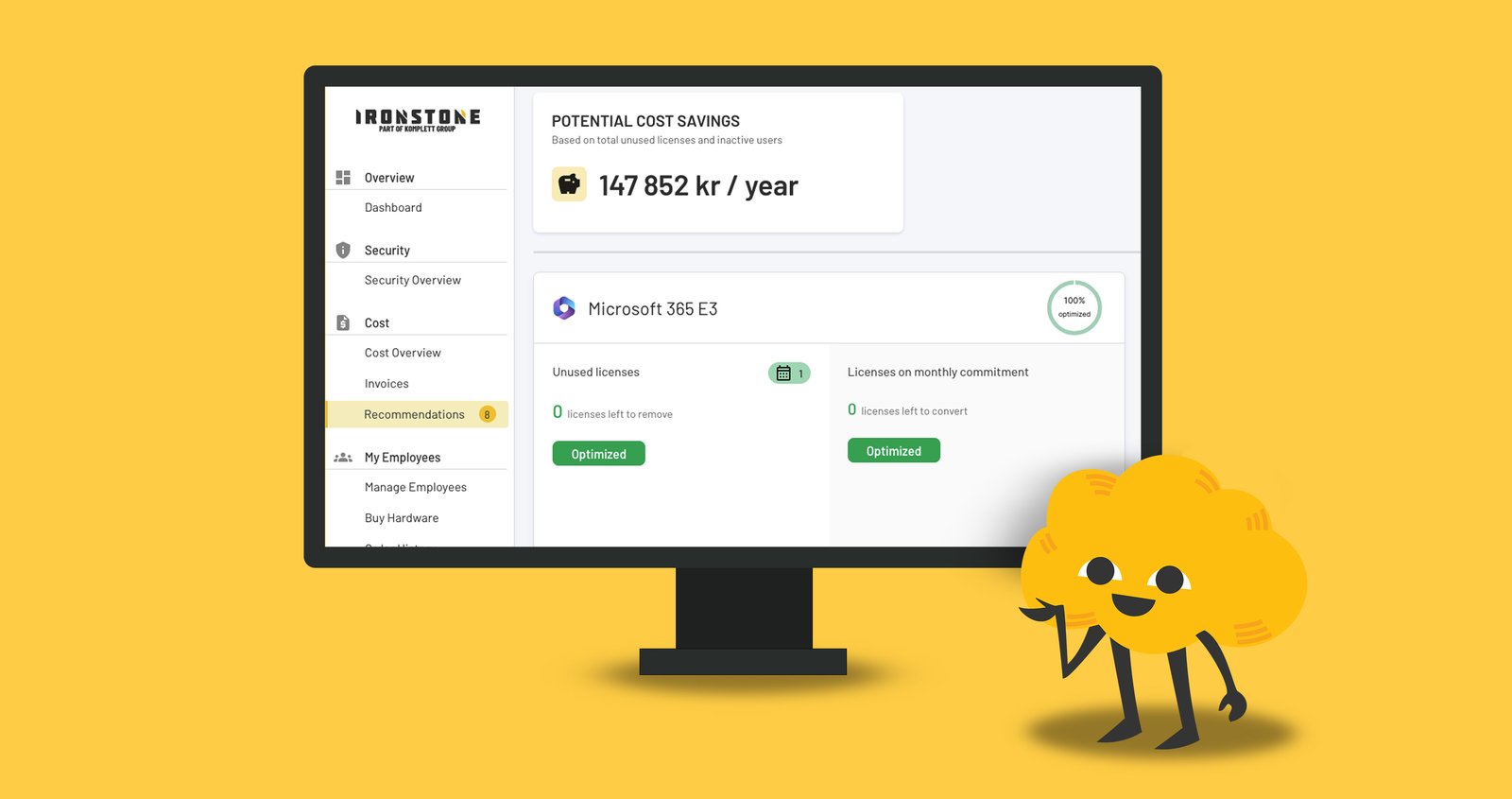
Cost and licence assessment
Do you have licences you do not use, or are you missing features you already pay for?
-
04
A proposal for further follow-up
How security can be followed up continuously, either in-house or together with Ironstone.
An overview in the Ironstone portal
Security status, alerts and prioritised measures are gathered in the portal, together with documentation you can use with management and the board.
With the threat picture we see today, it is crucial that our member companies have the right security in place. The automation and standardisation in the service let us protect all users better, however much IT knowledge they have themselves.
Questions about the security assessment
Choose the M365 or Azure assessment in the form, and we will take it from there.
What does an assessment cost?
The current website offers the M365 and Azure assessments free of charge. Ironstone must confirm that this still applies before publication.
How long does it take?
The scope depends on the environment. We clarify this in the first conversation. [To be verified by Ironstone]
Do we have to be a customer to get an assessment?
No. The assessment can be carried out regardless of your current provider.