Costs, licences, security and devices - in one place
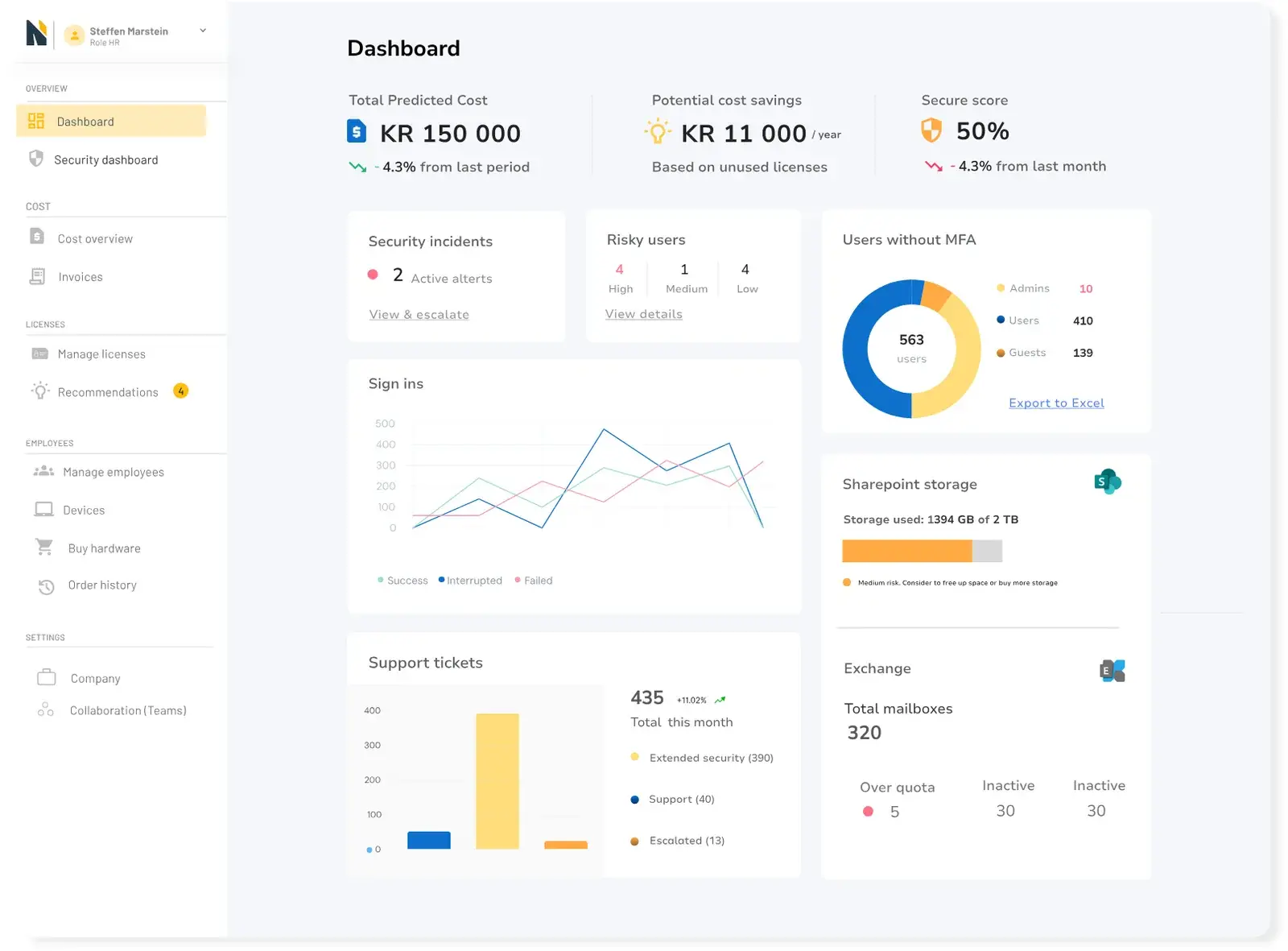
The Ironstone portal is part of the delivery, not a separate system you have to run. It makes it easier for management and IT to follow up what you pay for, and what is happening in the IT environment.
-
Cost overview
See what IT actually costs, what lies behind the invoice, and where savings are possible.
- Total IT costs
- Invoice overview
- Cost forecasts
- Suggested savings
-
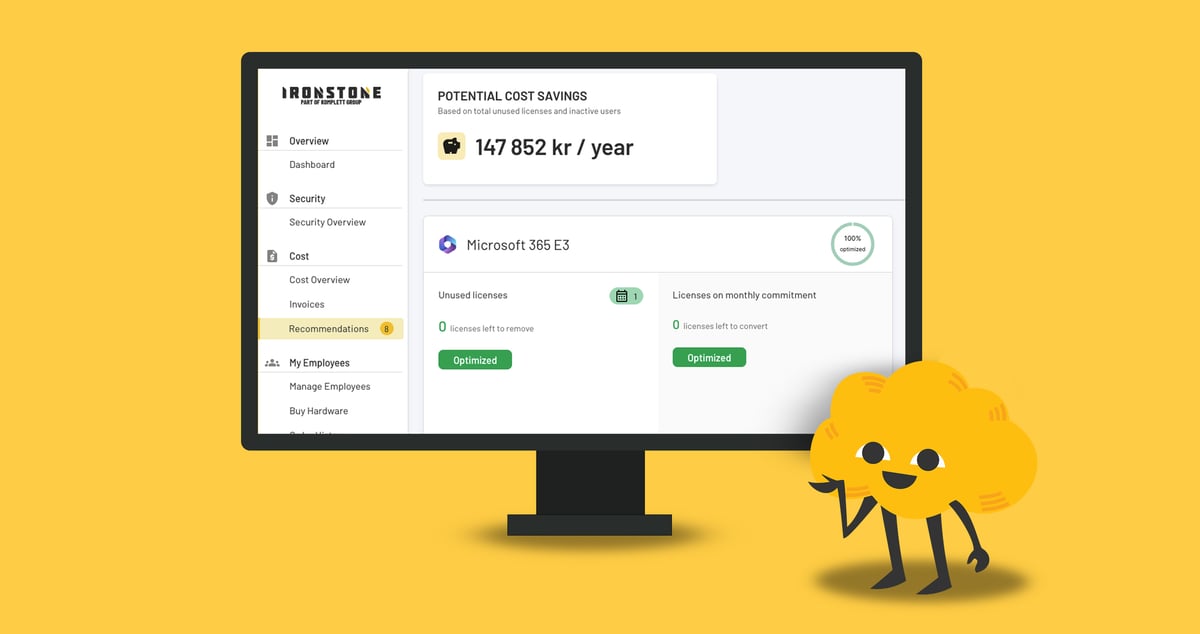
Licence management
Buy, assign and remove Microsoft licences in a few clicks - and see what is in use.
- Buy licences
- Assign and remove licences
- Overview of unused licences
- Optimise subscriptions
-
Security information
Status of machines, users and alerts, with prioritised measures and documentation.
- Security alerts and threats
- Devices and users
- Weaknesses and measures
- Documentation
-
Devices and equipment
Order pre-configured equipment from Komplett Bedrift and see which devices are in use.
- Order equipment
- Pre-configured on delivery
- Delivery to the office or home
- Device overview

-
Onboarding and offboarding
A new employee gets equipment, licences and access in one process. A leaver package when someone leaves.
- Create user
- Order equipment and licences
- Assign access
- Offboarding
-
Reporting
Reports that meet the requirements for, among other things, financial institutions' IT reporting, for use by the board and management.
- Cost status
- Security status
- Board reports
- Documentation